
This article is not advice. If you would like to receive advice on your taxes and investments, consider speaking to a Financial Adviser.
Portfolio Optimiser
Your savings, switched on.
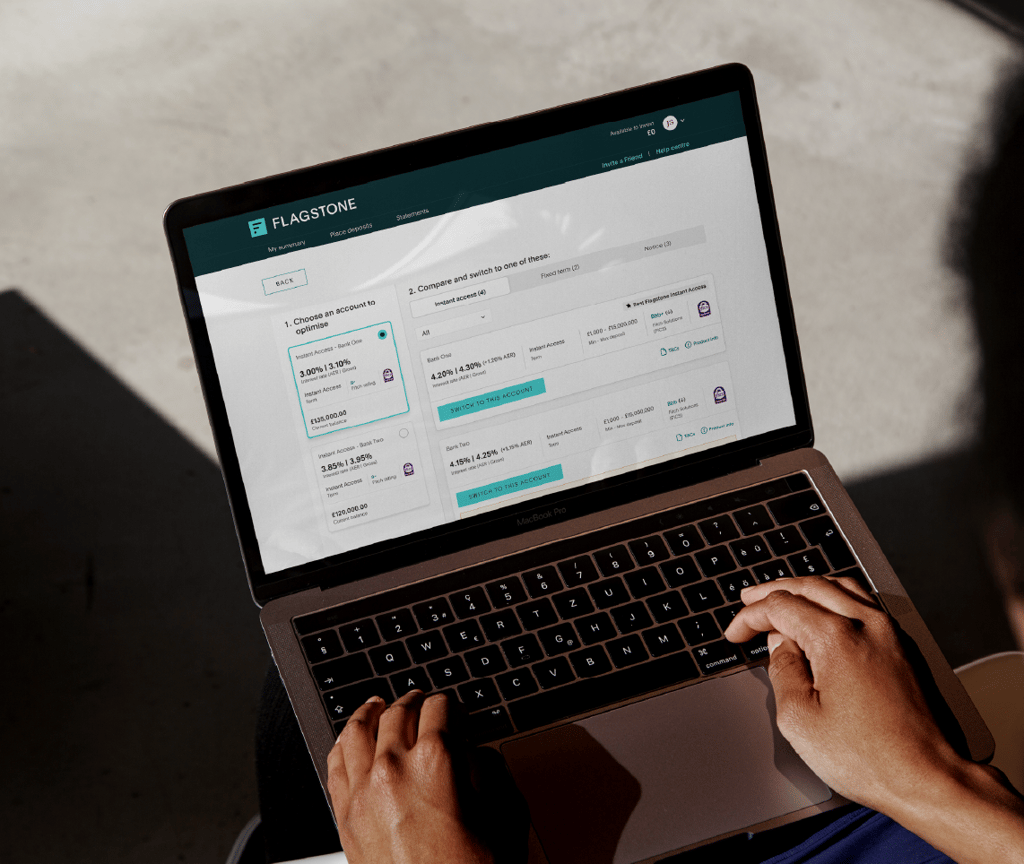
Flagstone now monitors your Instant Access accounts and flags higher rates as soon as they arise. See what's available, compare your options, and switch in a matter of clicks.

Never miss an opportunity
We’re always adding to the hundreds of competitive rates on offer – now we can help you make the most of them.
step one
Be notified of higher Flagstone rates
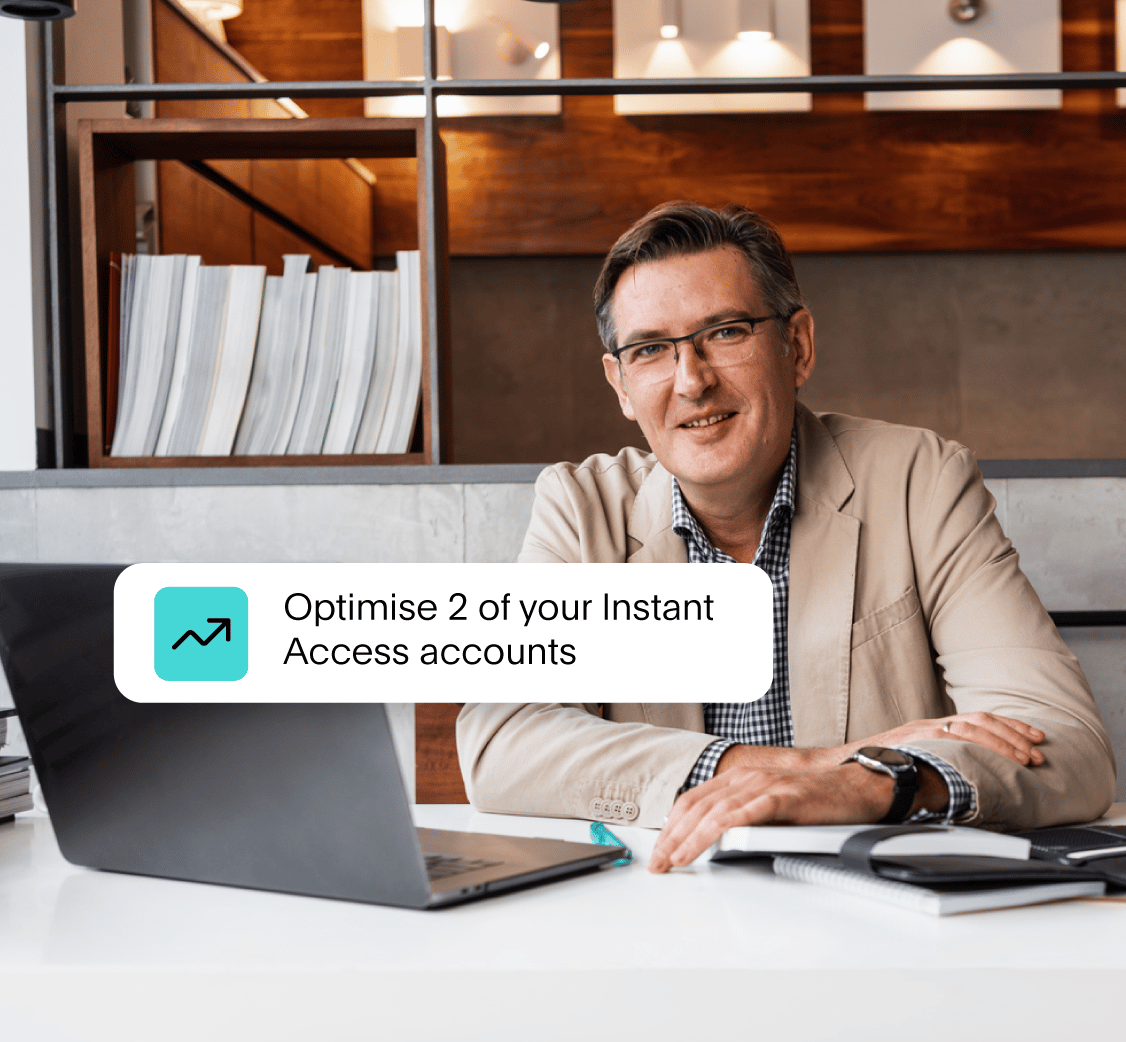
If a higher Flagstone rate becomes available for one of your Instant Access accounts, you’ll be alerted from the moment you log in.

step three
Make decisions with protection insights
Every flagged opportunity includes the information you need to make a confident decision – from FSCS protection considerations to Fitch rating.
step two
Get a clear comparison and option to switch
Compare your options easily. If you decide to switch, we take care of it all – with funds usually in your new savings account within 2 working days.
FAQs
How can I use the portfolio optimiser?
If an eligible Instant Access account offers a higher rate than the one you're currently getting, you'll see a banner in My Summary in your Flagstone account. Select 'See options' to view and switch to Instant Access accounts offering a higher rate. The banner only appears when an eligible Instant Access rate is available.
Will it recommend a rate for me?
No — the optimiser shows you a list of accounts that offer a higher rate compared to the account you're currently getting offers. You’ll also be able to filter by Fitch Solution (FICS) rating to find banks with a stronger credit rating. The choice is entirely yours.
There may be some banks that offer higher rates, but moving your funds there would exceed your FSCS limit with that bank — so we won't surface them in this feature.
What happens if I want to cancel a switch request?
How do I cancel a switch request?
You can cancel a switch request while it's still pending (before 8am the following working day). To cancel:
Go to My Summary
Find your request under My pending rollovers and switches
Select Cancel
When this is done, we'll send you a confirmation email.
How long does a switch take to complete through the portfolio optimiser?
What types of accounts can I switch to?
There's a higher rate available, but it is not showing in the portfolio optimiser. Why?
Two reasons can stop a higher rate from appearing:
It would take you over a product's maximum deposit limit. If moving your balance into the higher-rate account would push you over this limit, we do not show it as an option.
Your account pays interest monthly. If you hold a monthly interest product, the portfolio optimiser does not show higher rates for it. Switches happen within a matter of days, so we can only switch from products that pay interest daily.